Steps to set up split billing
Steps to set up split billing
Click on the left side under "Main Menu" on "Home". There you will see the option to add a new employee home charging station.
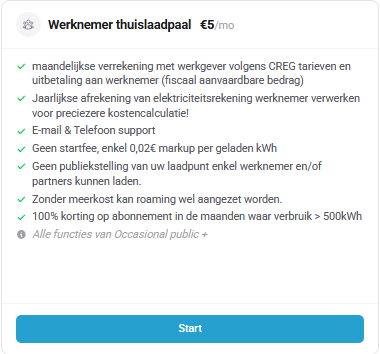
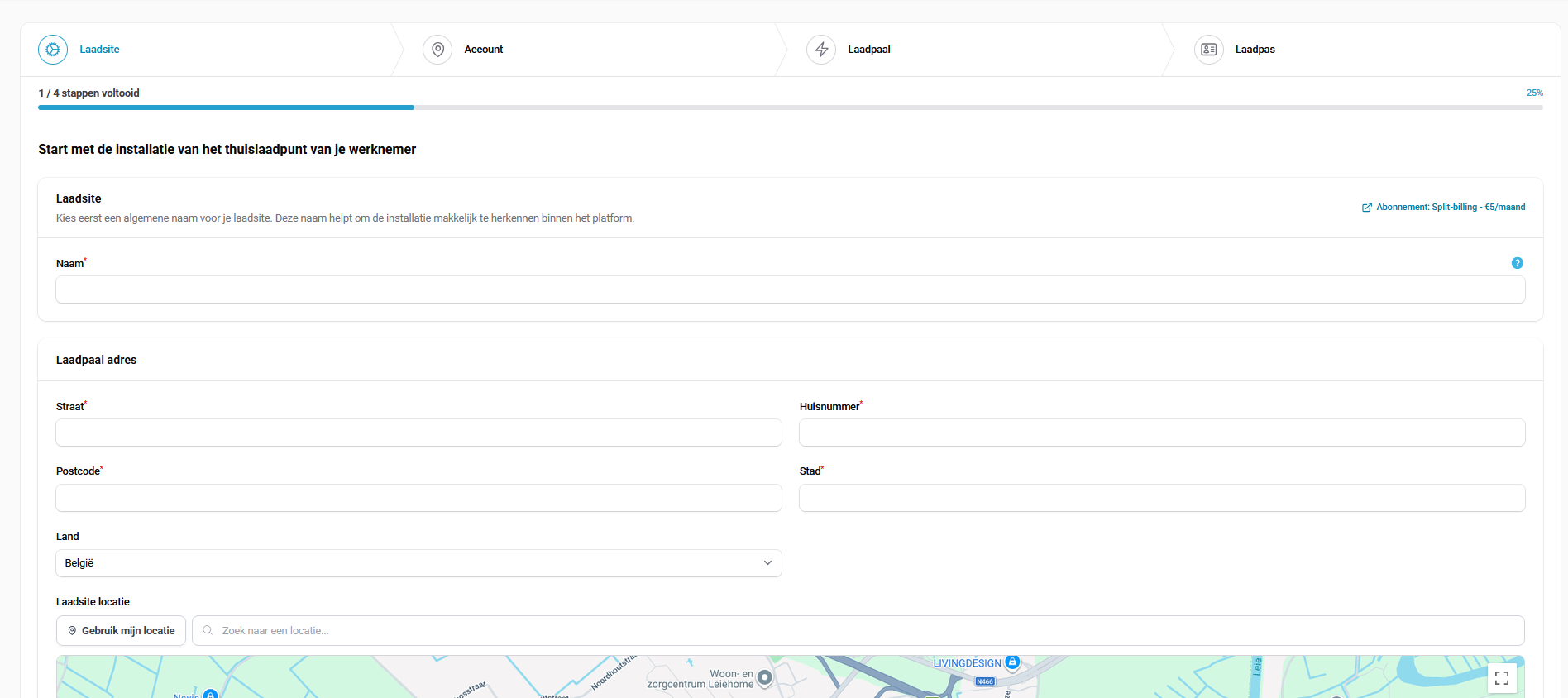
Once you click "Start", you will be redirected to the setup wizard for the new employee home charging station. Here you must first enter the name and address of the charging site.
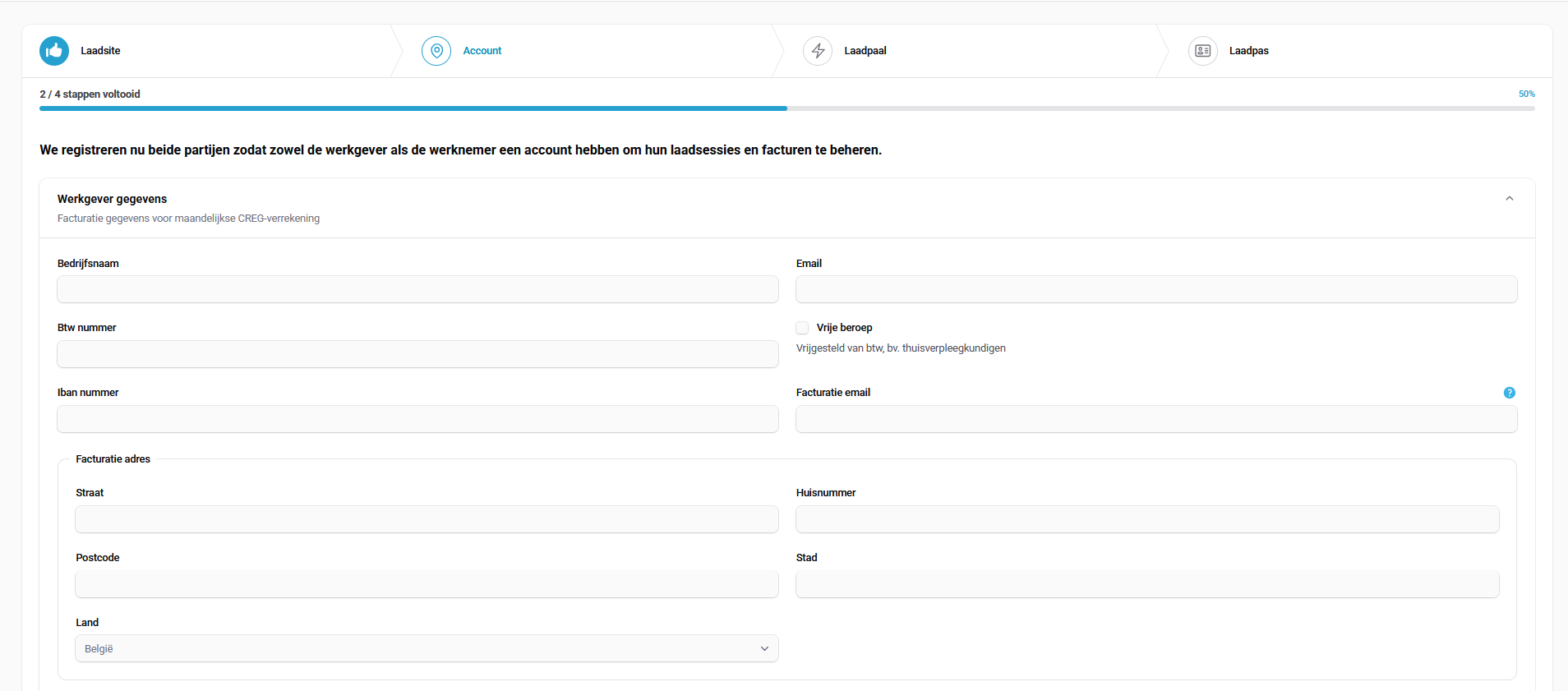
In this step, you check your own company details
In this final step, you add your employee's charging station
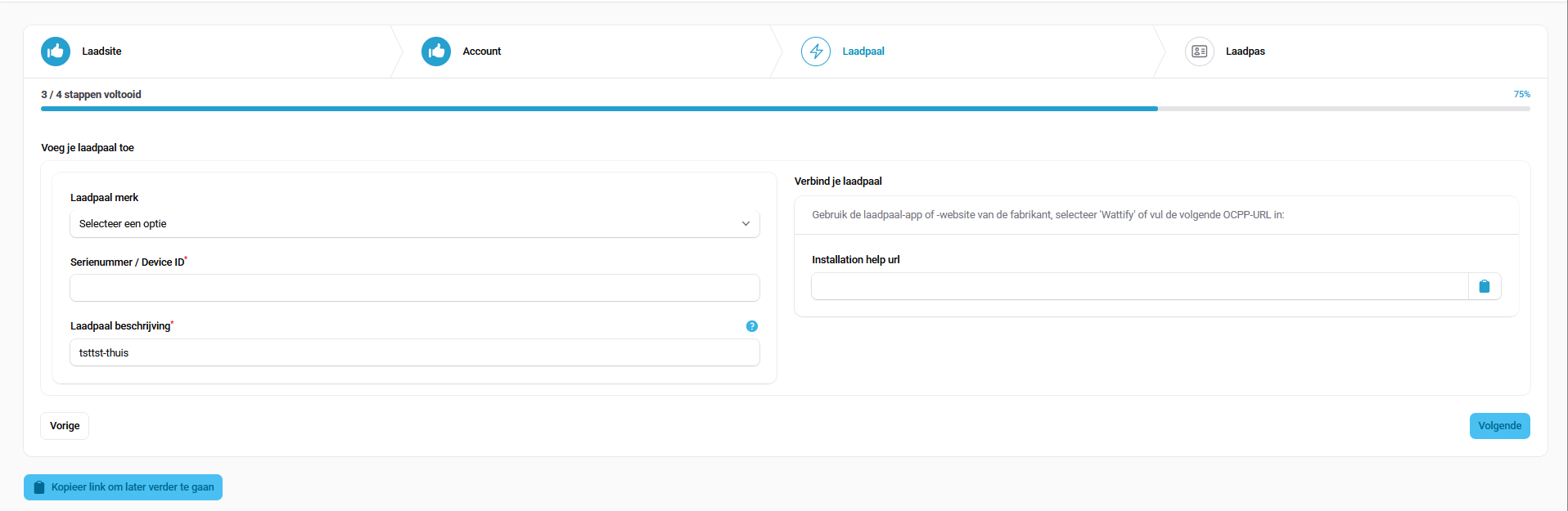
*Please note: this functionality can also be carried out while logged in as an employer. This means that in the last step you do NOT need to select an employer. The split-billing you create will automatically be linked to the logged-in employer.
If you run this wizard as an installer, you must select an existing employer or create a new one in the last step.
Related articles
Did this answer your question
Thank you for your feedback
Did not find an answer?
Our team is just an email away and ready to answer your questions