New residents or tenants for your charge points? Here's how to manage that
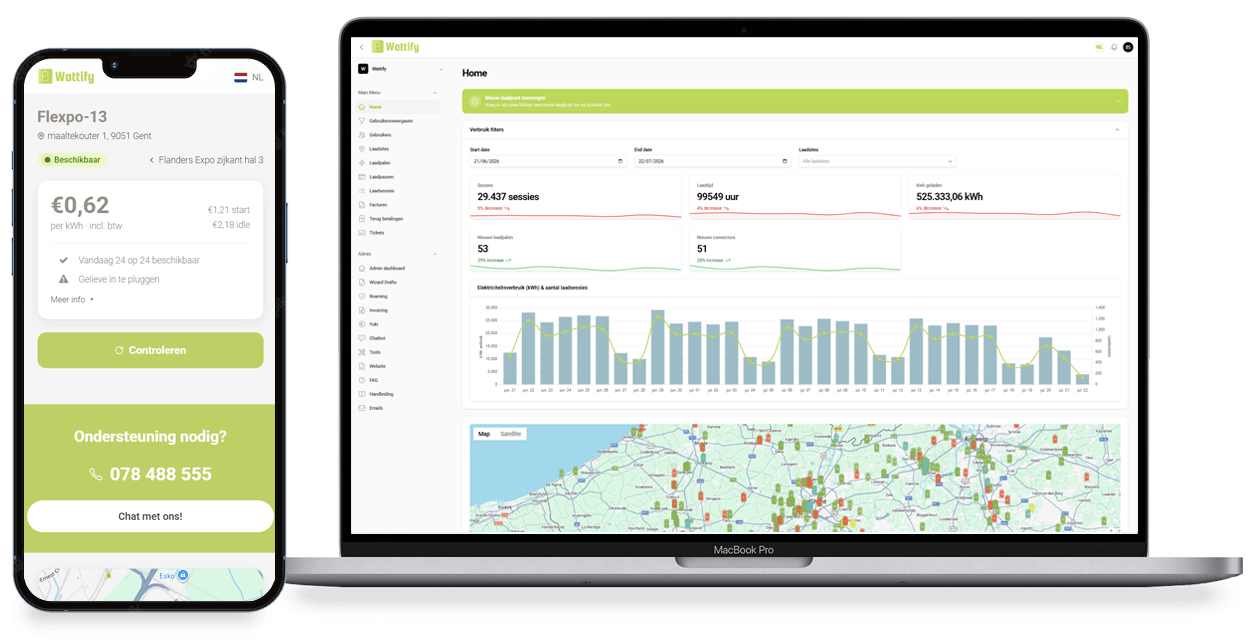
Residents and tenants change from time to time. In the Wattify platform, you add new users or remove departing residents in a few clicks — their charging history and statements stay correct, with no impact on the other residents.
Benefits for you as a property manager
Add residents quickly
Adding a new owner or tenant takes a few minutes, with no paperwork.
Resident leaving? Closed off immediately
You deactivate an account when someone leaves, so it's never billed in someone else's name.
No double costs when someone changes
When a resident changes, you're never charged twice; the handover runs seamlessly.
History stays accurate
Previous statements stay linked to the correct resident, even after a change.
Multiple charge cards per unit
Does a household have multiple cars? Feel free to link multiple cards to the same unit.
The property manager keeps an overview
You see at a glance who currently has an active charge card in the building.
Why managing residents matters
Residents and tenants change from time to time. Without proper follow-up, you risk a departed resident still having access, or a new resident having to wait weeks before they can charge. Wattify makes that management simple for the property manager.
How it works
A new resident or tenant moves in
You add them to the Wattify platform and link a charge card
When they leave, you deactivate the account, the rest of the building doesn't notice a thing